Stay Updated with
Automated Reports and Alerts
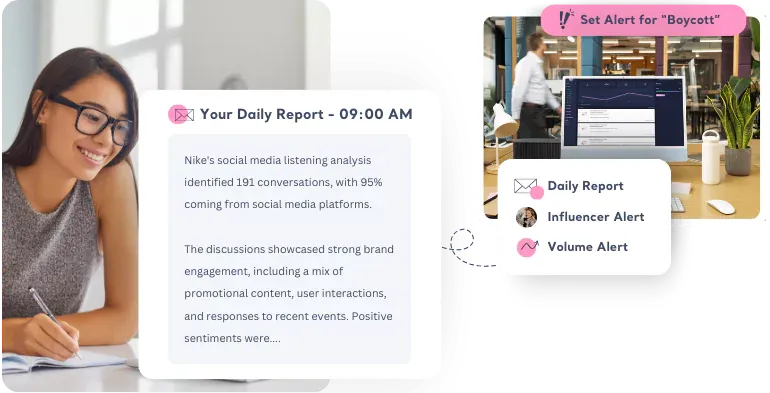
Stay informed without logging into the dashboard. Get insights delivered straight to your inbox.



















 3,000+ teams in more than 90 countries use Kimola.
Instant Alerts for What Matters Most
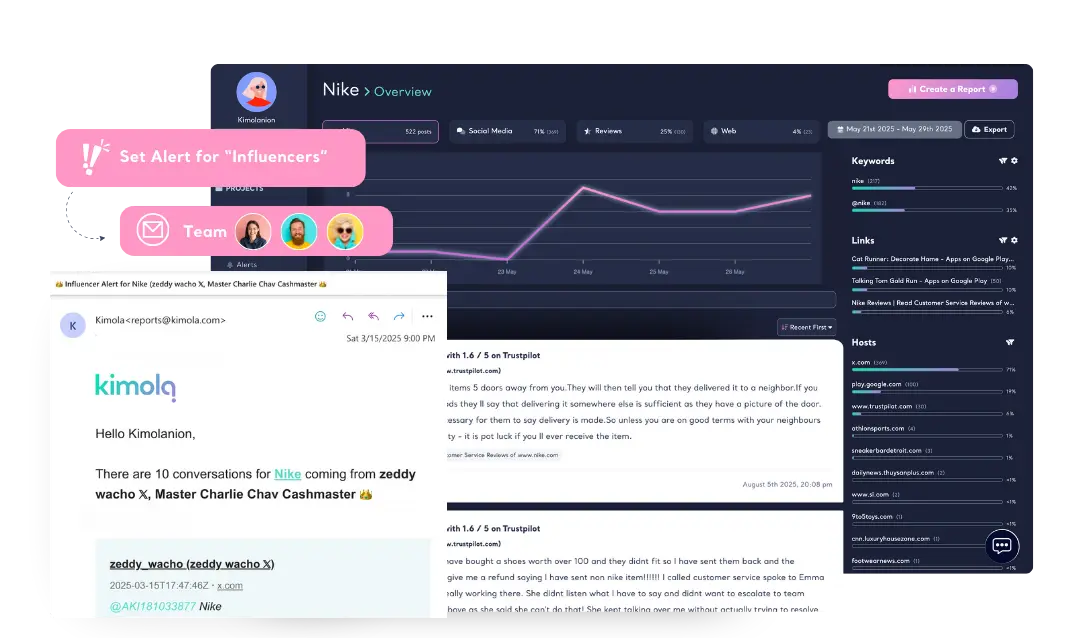
Get notified about 🔔 keyword mentions, 👑 influencer involvements, or 🔺 sudden spikes in the data volume. Each email type has a unique emoji in the subject line, so you can recognise the type of update at a glance—without even opening your inbox.
Full Control Over Reports & Alerts
When you create a Feed, Kimola automatically schedules reports and alerts to get you started quickly. You can also create your own reports anytime, adjusting their frequency and content based on your needs.
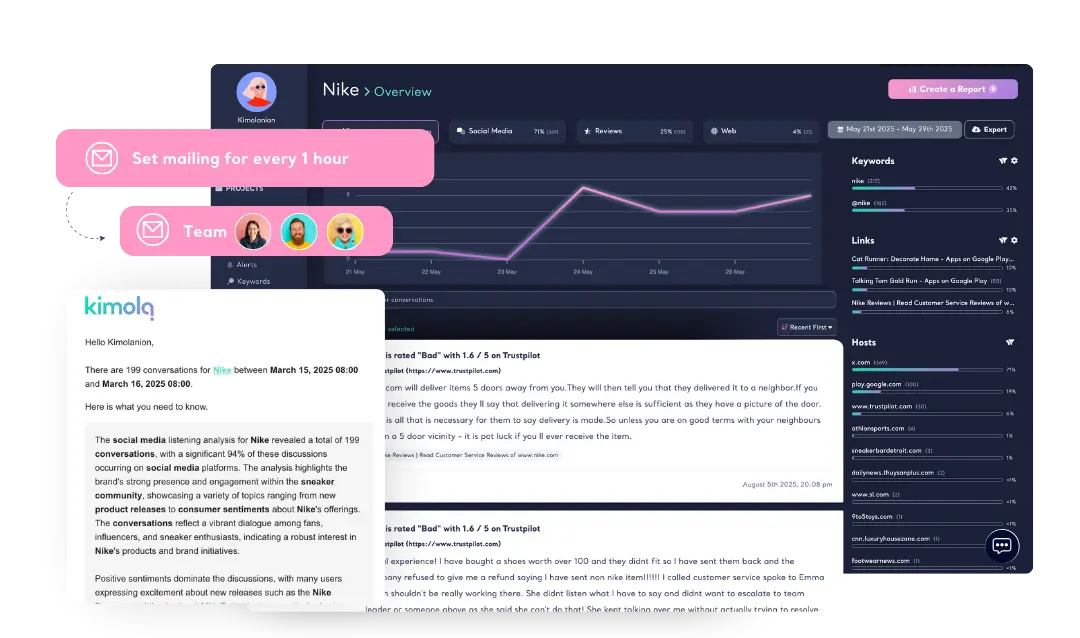
Receive regular reports on an hourly, daily, or custom basis. If you need to keep an eye on a crisis or sudden trend, you can set up hourly reports for real-time updates. Get only the insights that matter, exactly when you need them.
A Visual Dashboard in Your Inbox
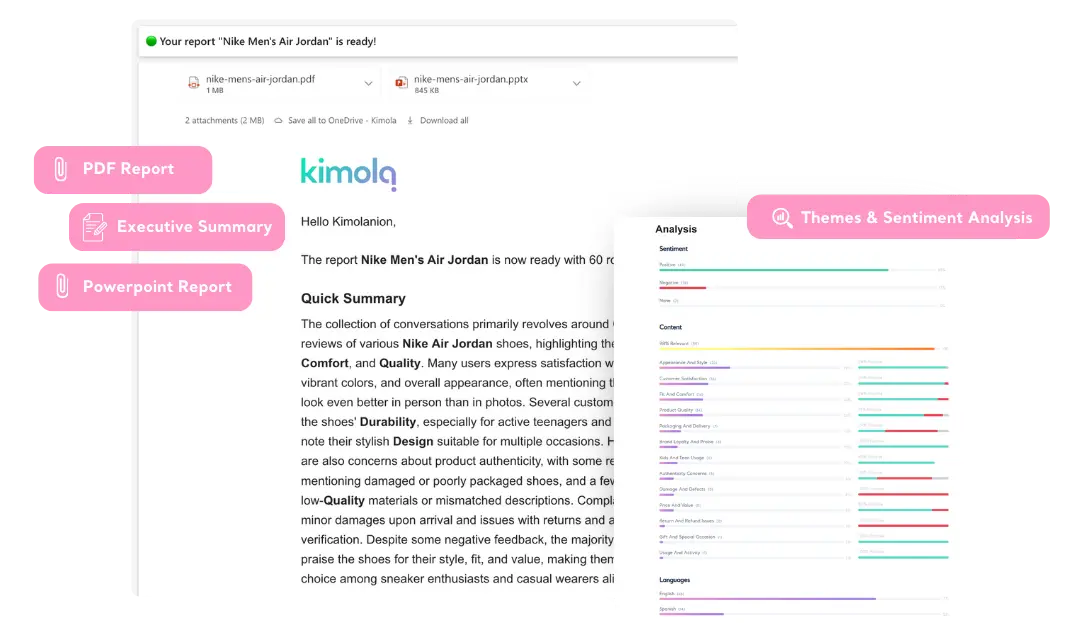
Get key insights at a glance with automated email reports. Executive summaries are delivered in your language, optimized for mobile, and include clickable details for deeper insights.
Bring the feedback you already have.
Organize feedback like a research team.
See the people behind the feedback.
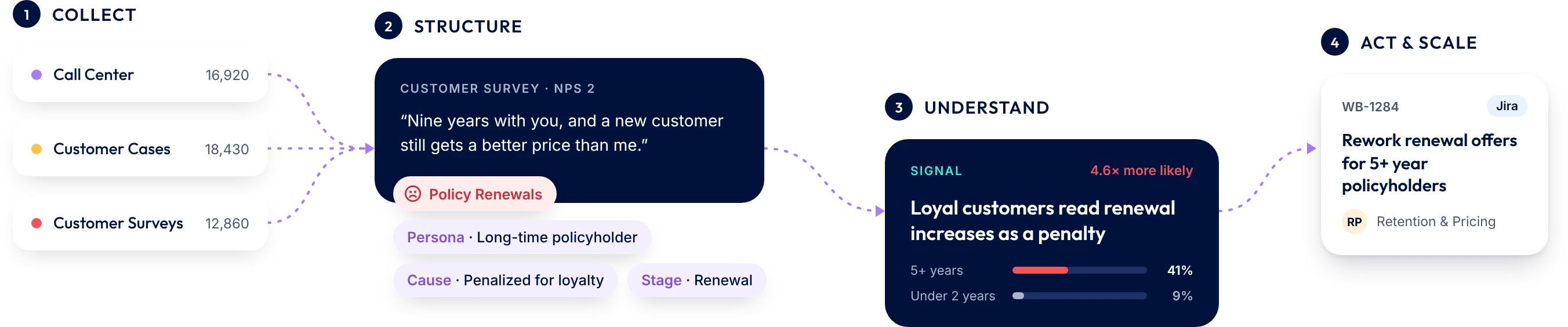
See how teams turn different kinds of feedback into research.
-
![Kimola for Product Feedback Analysis]() Product Feedback Analysis
Turn reviews, surveys and support conversations into research on what users need and where they struggle.
-
![Kimola for E-commerce Feedback Analysis]() E-commerce Feedback Analysis
Turn marketplace reviews into market research on why customers buy and where competitors fall short.
-
![Kimola for Social Feedback Analysis]() Social Feedback Analysis
Turn social posts and forum discussions into consumer research on who is talking and how perception shifts.


-
![Kimola for Open-ended Survey Analysis]() Open-ended Survey Analysis
Turn open-ended survey responses into themes, motivations and pain points, compared across every segment.
-
![Kimola for Chat and Call Center Conversation Analysis]() Chat and Call Center Conversation Analysis
Turn chatbot and call center transcripts into research on why customers contact you and what frustrates them.
-
![Kimola for Employee Feedback Analysis]() Employee Feedback Analysis
Turn engagement surveys and exit interviews into workforce research on what motivates people and drives turnover.


Frequently Asked Questions
About Reports and Alerts
-
What is an automated report?
An automated report is a scheduled email report based on your selected frequency and filters. It includes an executive summary in the language of the original data collected. You can receive regular reports as frequently as every hour.
-
What is an alert?
An alert is an email report triggered by specific conditions instead of a set schedule. You receive an alert when a defined event occurs, such as influencer involvement (based on a custom follower threshold) or specific keywords. For example, if you’re in the food industry, you might want to be alerted when customer feedback contains the word "expired".
-
How many mailings or alerts can I set?
Your mailings and alerts limits are determined by your selected package. You can check your plan details in your account settings or on our pricing page.
-
Can my teammates unsubscribe from a mailing or alert?
Yes, you can manage from the dashboard, or they can simply click the unsubscribe link at the bottom of the email.
Turn customer feedback into structured market research in 30+ languages—no AI training needed.
Create a Free Account No credit card · No commitment