Upload or Connect
Custom Data Sources
Easily upload and analyze customer feedback from Excel, CSV, TSV, or integrate with popular platforms like Intercom, Zendesk, and Google Sheets.
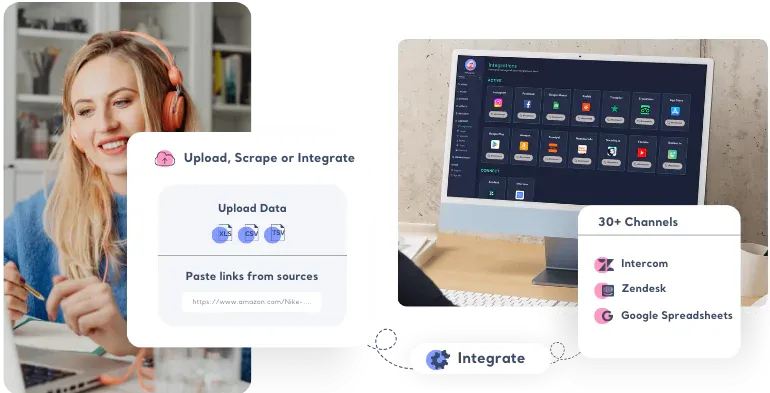



















 3,000+ teams in more than 90 countries use Kimola.
Upload and Map Custom Datasets
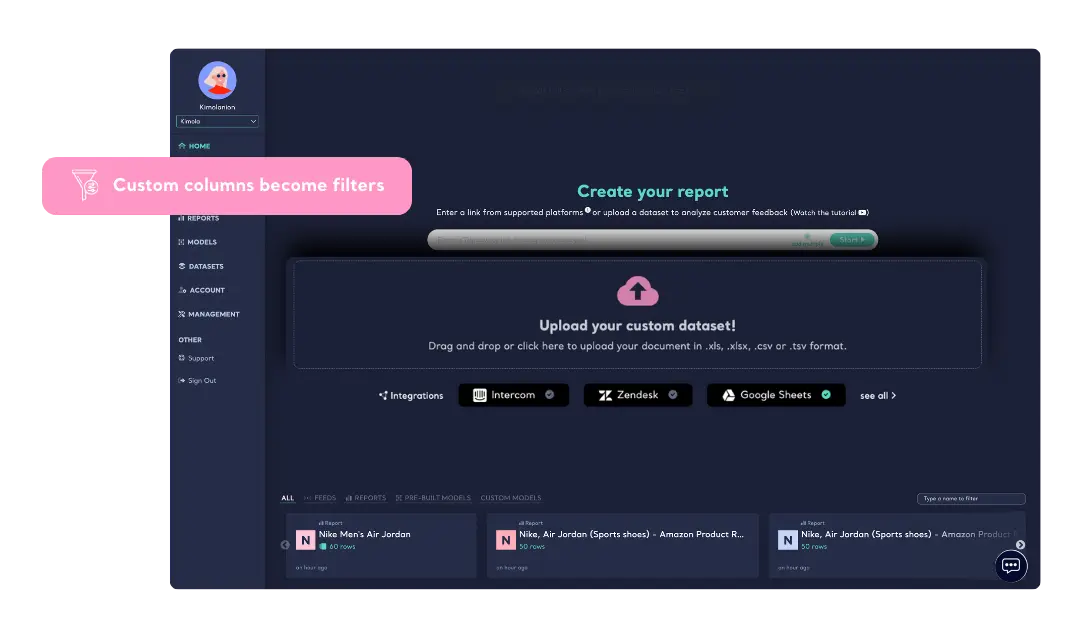
Import customer feedback in Excel, CSV, or TSV formats. Map the text column to analyze, and choose the date and URL columns optionally. Other columns turn into filters, making analysis seamless by filtering by any value in your dataset.
Visual Pivot Tables
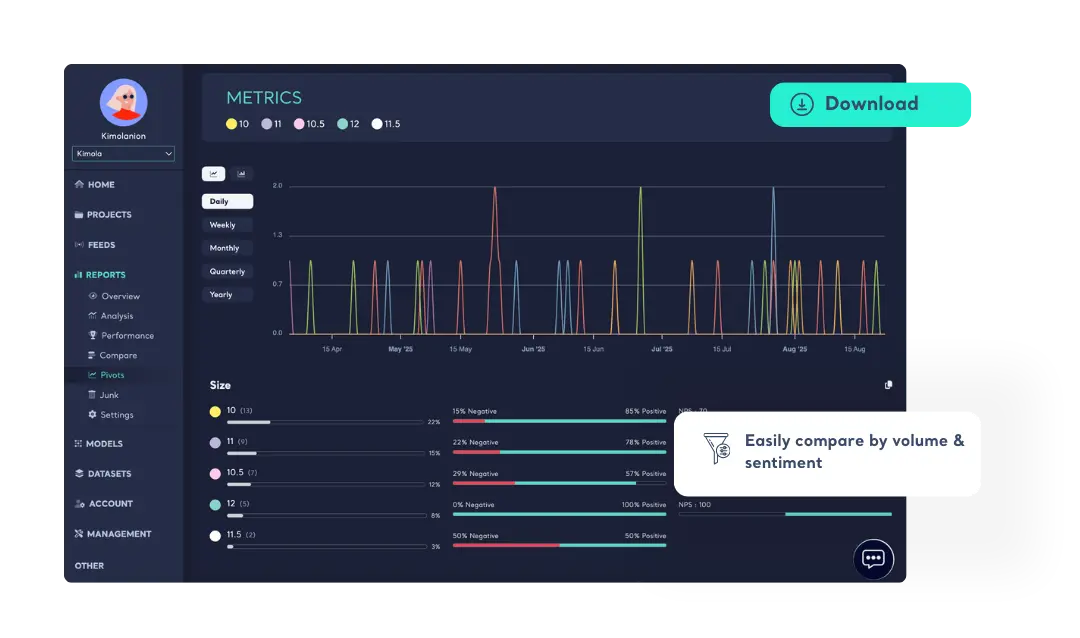
Create pivot tables by grouping customer feedback based on the column values in your dataset. See the multiple pivot table results on a single page, and export the results in PowerPoint or Excel if necessary.
Collect Customer Feedback From Top Platforms
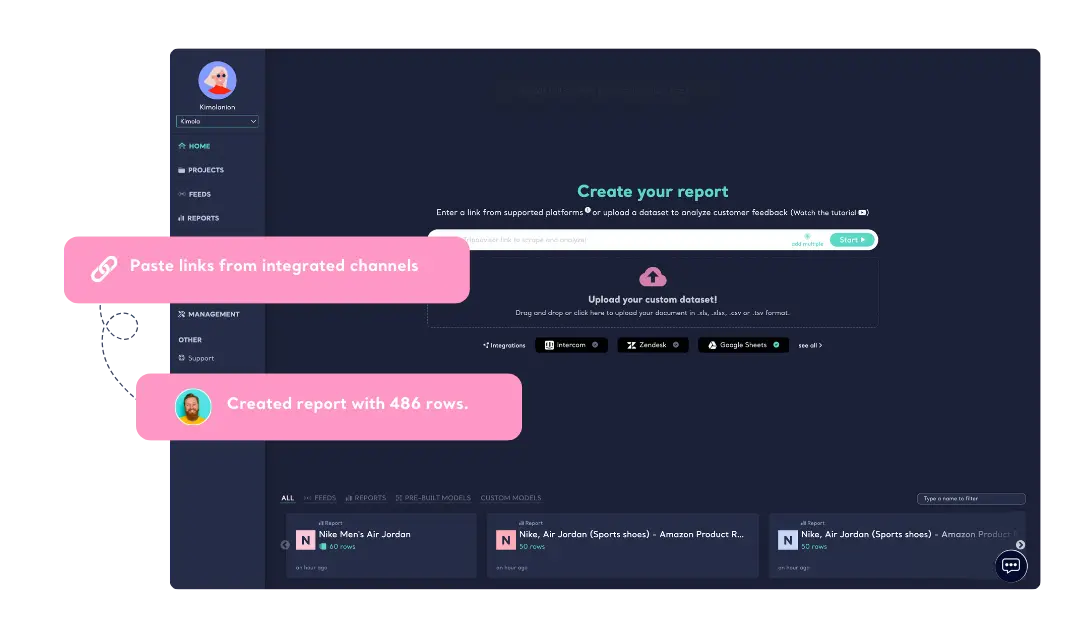
Kimola allows effortless customer feedback collection from leading platforms, including Amazon, TripAdvisor, Trustpilot, the App Store, and Google Play. Simply enter a single web address or multiple links, and Kimola will gather and analyze reviews automatically—saving you time while giving you deeper insights into customer motivations, behaviours and personas. Click here to view all sources.
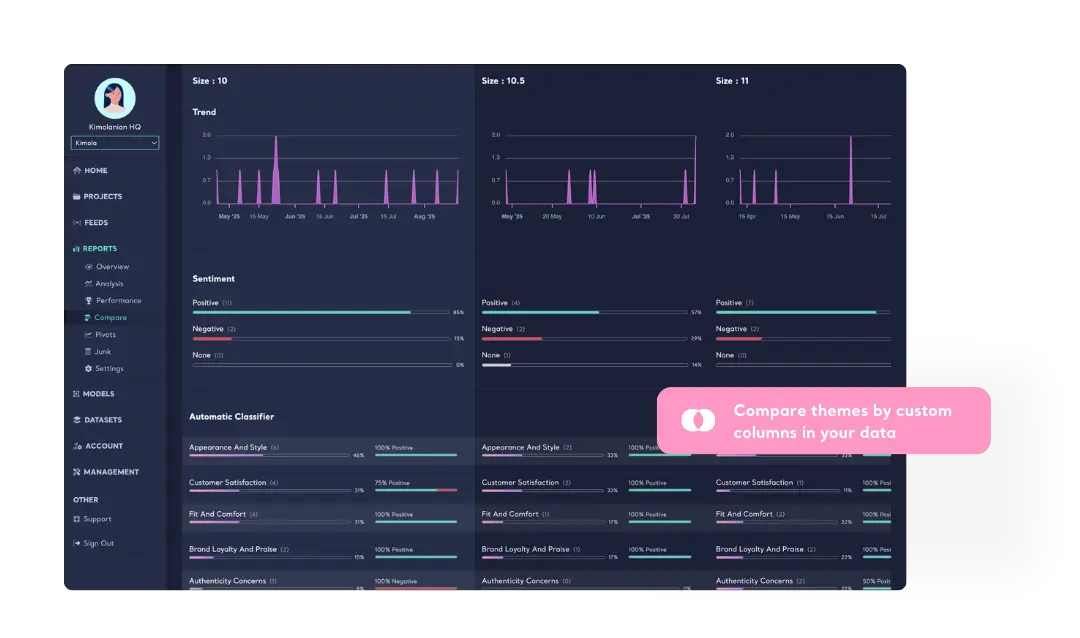
Compare themes by custom dataset
Easily compare locations, age groups, genders, product attributes, or any custom columns from your own data sources with a single click using the Comparison feature.

Intercom
Connect Intercom account to import and analyze customer - agent conversations. Analyze interactional conversations with multi-labels.
Explore Intercom App Store
Zendesk
Integrate Zendesk account to import and analyze interactional conversations. Leverage dynamic classification and multi-label classification to understand customers better and measure the performance of agents easily.

Bring the feedback you already have.
Organize feedback like a research team.
See the people behind the feedback.
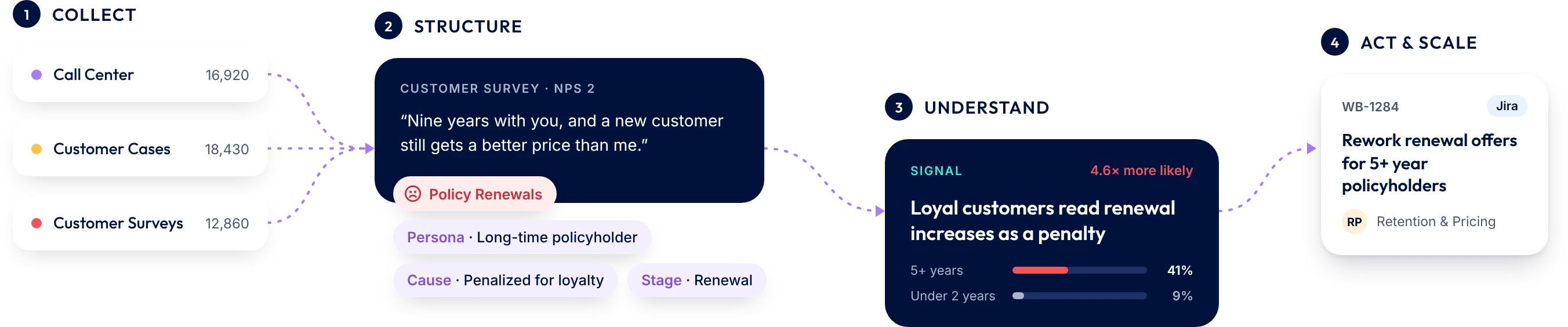
See how teams turn different kinds of feedback into research.
-
![Kimola for Product Feedback Analysis]() Product Feedback Analysis
Turn reviews, surveys and support conversations into research on what users need and where they struggle.
-
![Kimola for E-commerce Feedback Analysis]() E-commerce Feedback Analysis
Turn marketplace reviews into market research on why customers buy and where competitors fall short.
-
![Kimola for Social Feedback Analysis]() Social Feedback Analysis
Turn social posts and forum discussions into consumer research on who is talking and how perception shifts.


-
![Kimola for Open-ended Survey Analysis]() Open-ended Survey Analysis
Turn open-ended survey responses into themes, motivations and pain points, compared across every segment.
-
![Kimola for Chat and Call Center Conversation Analysis]() Chat and Call Center Conversation Analysis
Turn chatbot and call center transcripts into research on why customers contact you and what frustrates them.
-
![Kimola for Employee Feedback Analysis]() Employee Feedback Analysis
Turn engagement surveys and exit interviews into workforce research on what motivates people and drives turnover.


Frequently Asked Questions
About Custom Data Sources
-
What is a dataset?
A dataset is a structured file containing multiple rows and columns of data. In Kimola’s case, a dataset typically includes customer feedback in free-text format about a brand, product, or service. Since Kimola analyzes content, every dataset must have at least one text column.
-
Which dataset formats does Kimola support?
Kimola supports Excel (XLSX), CSV, and TSV formats for data uploads.
-
How large of a dataset can I upload?
You can upload files up to 30MB at once. However, the number of customer feedback entries Kimola analyzes depends on your package. Check our Pricing page for details.
-
Can I collect customer feedback from web platforms?
Yes! You can collect customer feedback by providing web addresses from platforms like Amazon, Trustpilot, TripAdvisor, Google Play, and the App Store. You can submit a single link or multiple links to start the collection process.
-
Can I try Intercom, Zendesk, or Google Sheets integrations?
Integrations are not available for free accounts. You can upgrade anytime to connect your accounts and unlock these features.
Turn customer feedback into structured market research in 30+ languages—no AI training needed.
Create a Free Account No credit card · No commitment